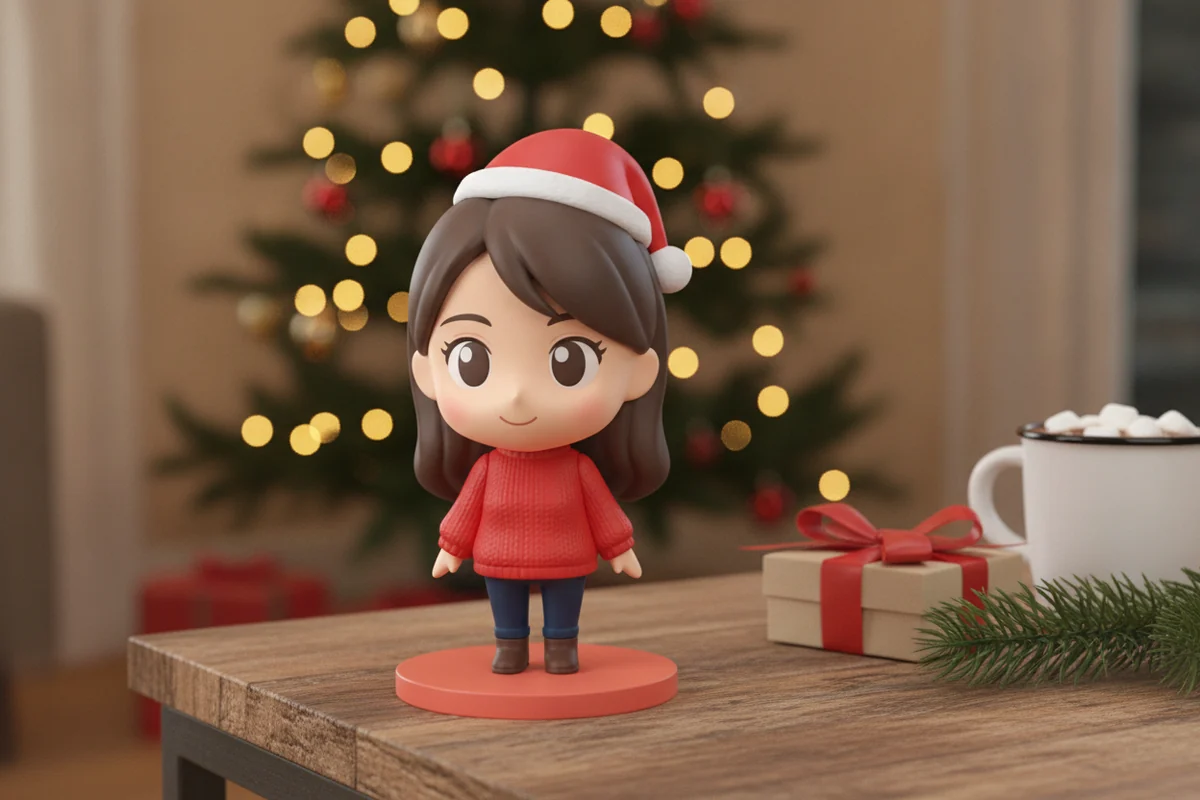
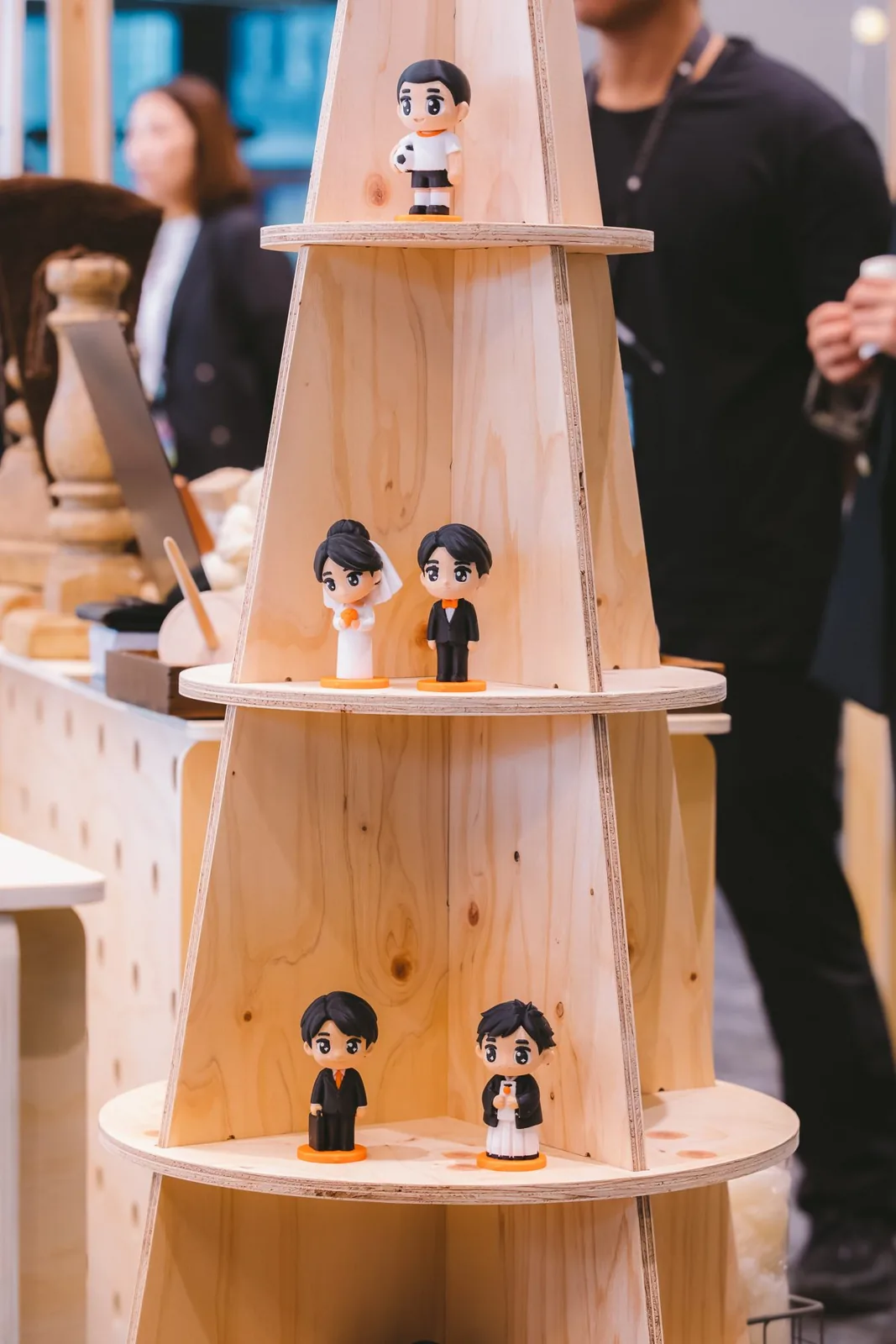
Choose the eyes and head size: make your Chibi and Anime figure your own
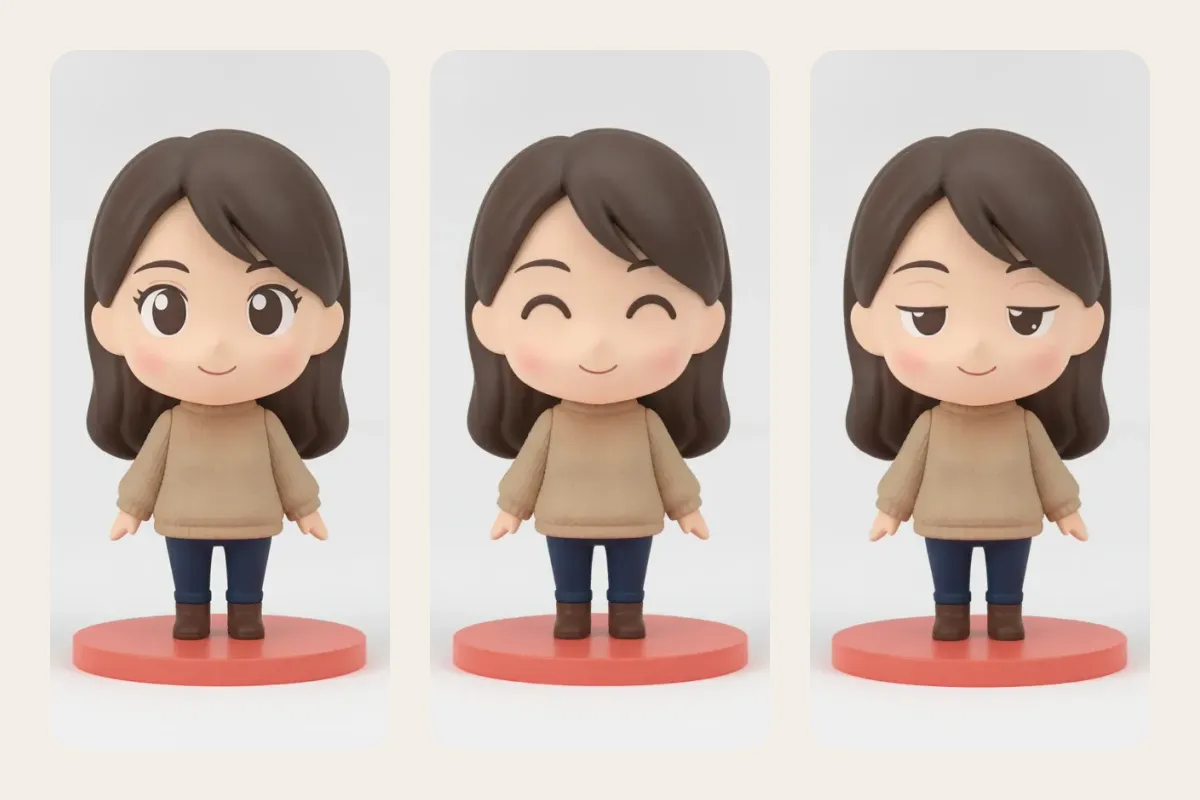
The free preview has a new step. After you pick Chibi or Anime, and before anything is made, you can choose the eye shape (and for Chibi, the head size) by tapping a button. You never have to type anything.
Maybe you want softer eyes from the same photo, or a smiling face. Now you can choose the look first and then make it.
Three steps
- On the preview page, choose your photo and tap "Chibi" or "Anime".
- A sheet opens with the choices. Tap the ones you like.
- Press "Make it like this" and the figure is made with your choices.
Not sure? Keep the first choice in each row. It works exactly as before.
What you can choose
Chibi
- Eyes: round, happy (smiling), gentle, or bead
- Head size: standard, or mini (a rounder figure where the head is about half the height)
Anime
- Eyes: standard, happy (smiling), gentle, or cool
The example picture changes as you choose
Each time you tap, the picture at the top changes to show that combination. For Chibi alone there are eight combinations of eyes and head size, and you see each one before you decide.
The picture is an example of a sample woman. Your figure is made from your photo, so your face, hair and clothes follow your photo.
Simple eye shapes only
The eye choices are deliberately simple shapes. A figure is small, and complicated eyes can blur when printed. We only offer shapes that come out clearly in print.
Change just the eyes afterwards
After the preview is made you can still change only the eyes, under "Face" in the customizer. For Chibi you can pick smiling, bead or gentle eyes, and star eyes too. Each change uses 1 credit.
Try it free
The preview is free. If you are not signed in, you can make one style per day. Sign up for free with your email to keep trying more styles and eye combinations.
Ahead of Black Friday (Nov 27 to Nov 30)
From November 27, a full-colour figure is ¥2,000 off for Black Friday. See the Black Friday 2026 post for the details. If you find the eyes and head size you like now, you can order the moment the sale starts.
For help choosing a photo, see how to turn a photo into a figure. Then try the preview.